


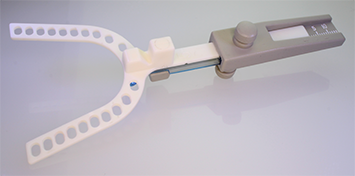
| 1. | Measure the bite with a George Gauge or similar device.
|
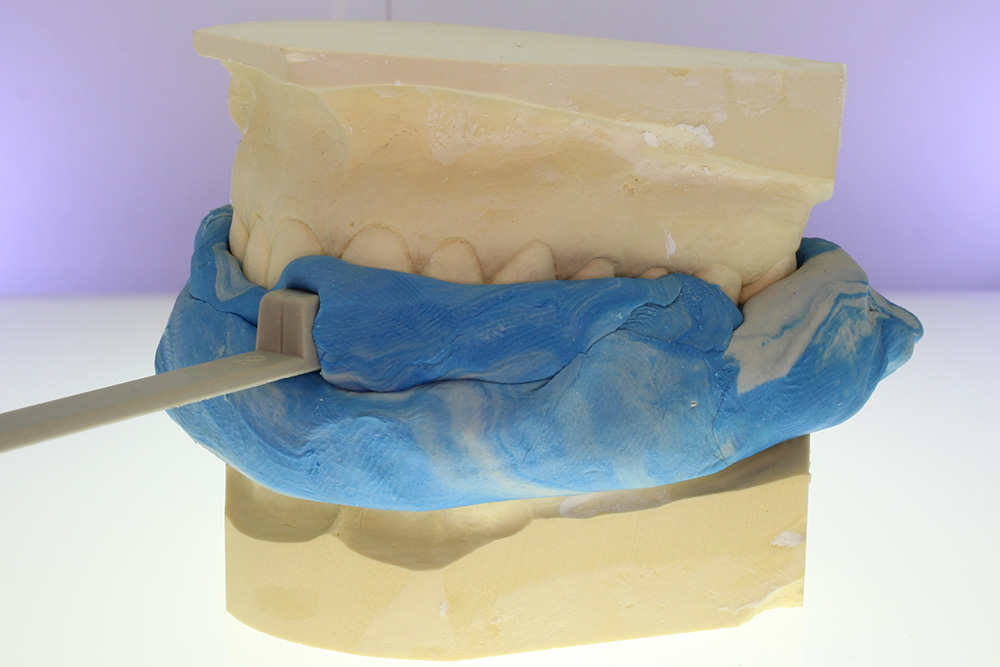
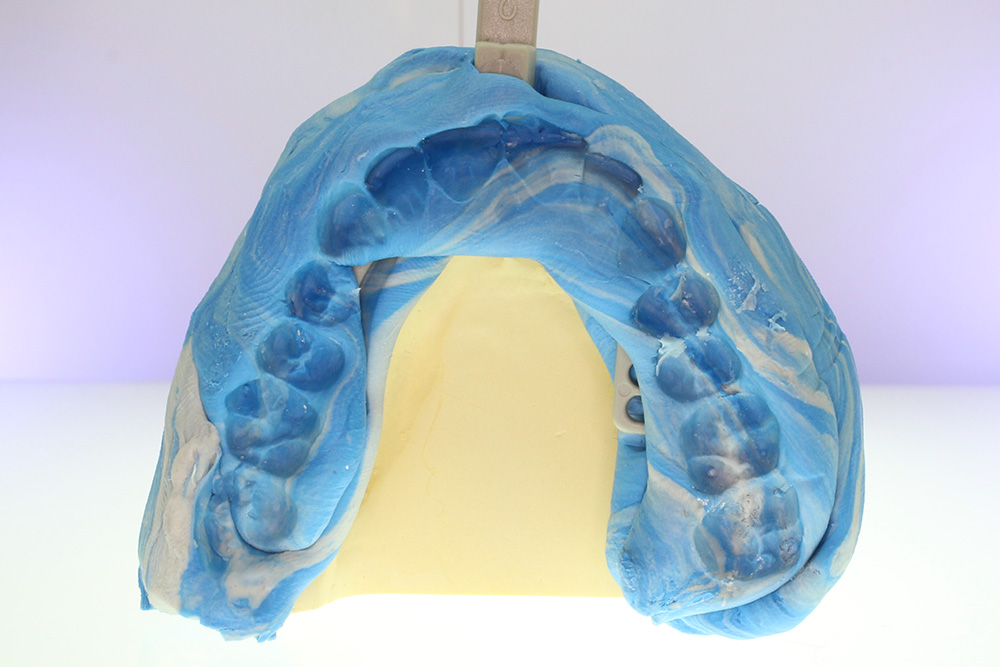
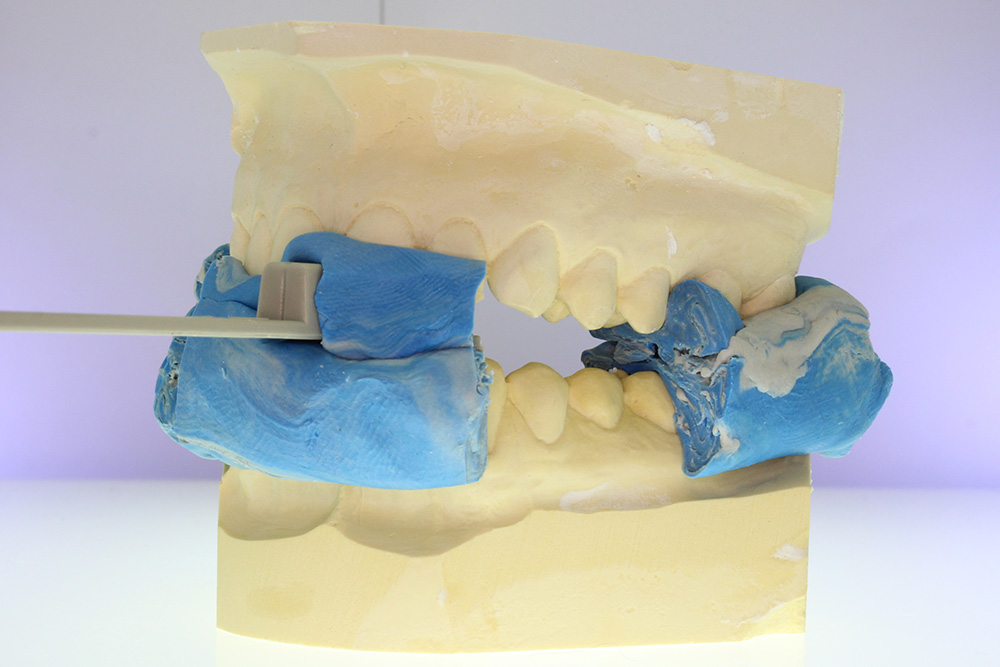
| 2. | Once the bite is set, cut into portions. Leave the partial bite registration for the most posterior molars and central incisors.
|
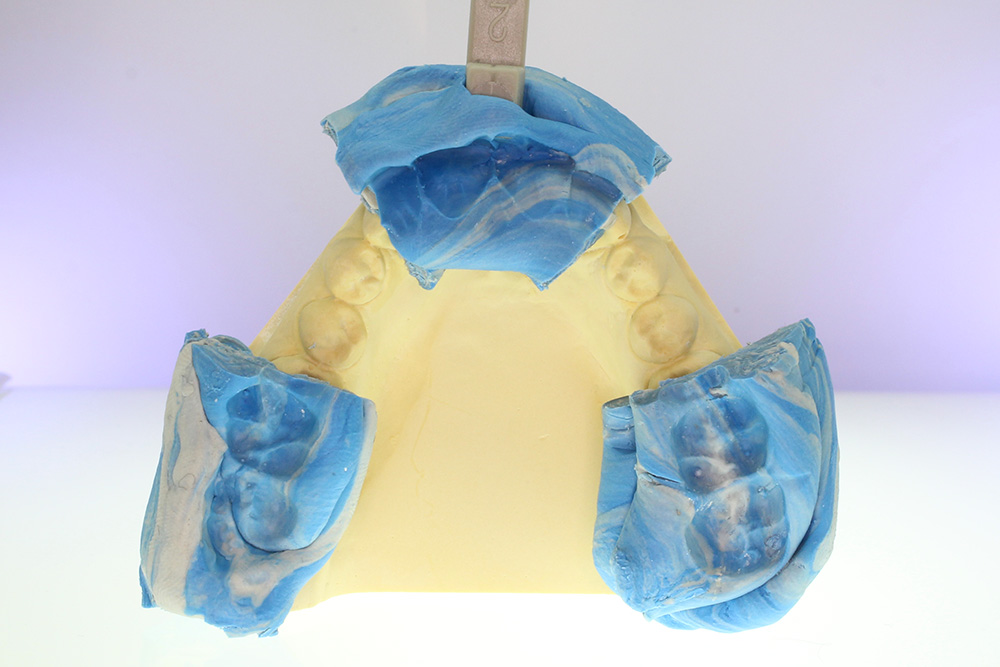
| 3. | Scan the occlusion,making sure to capture all exposed surface area.
|
| The Result | |
|---|---|
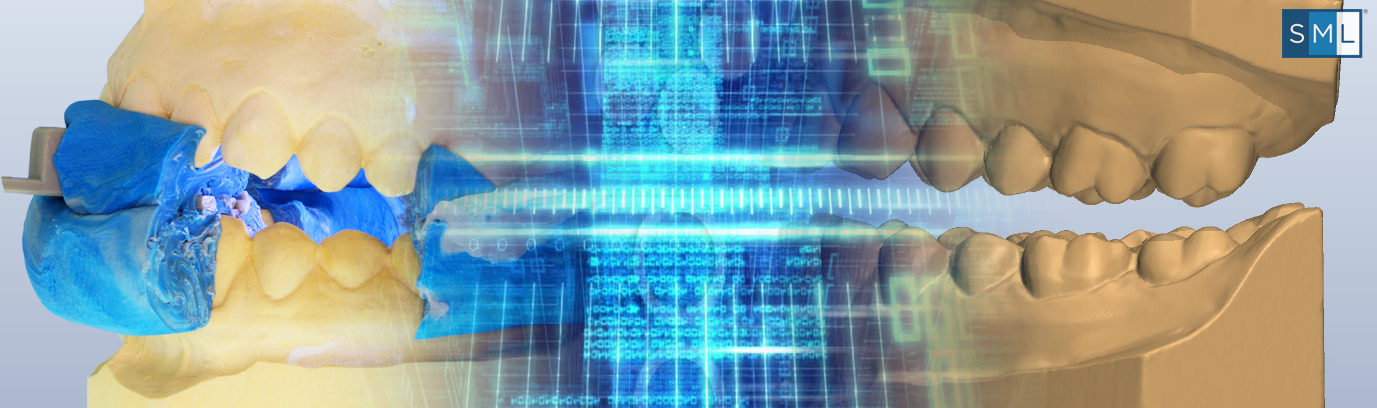
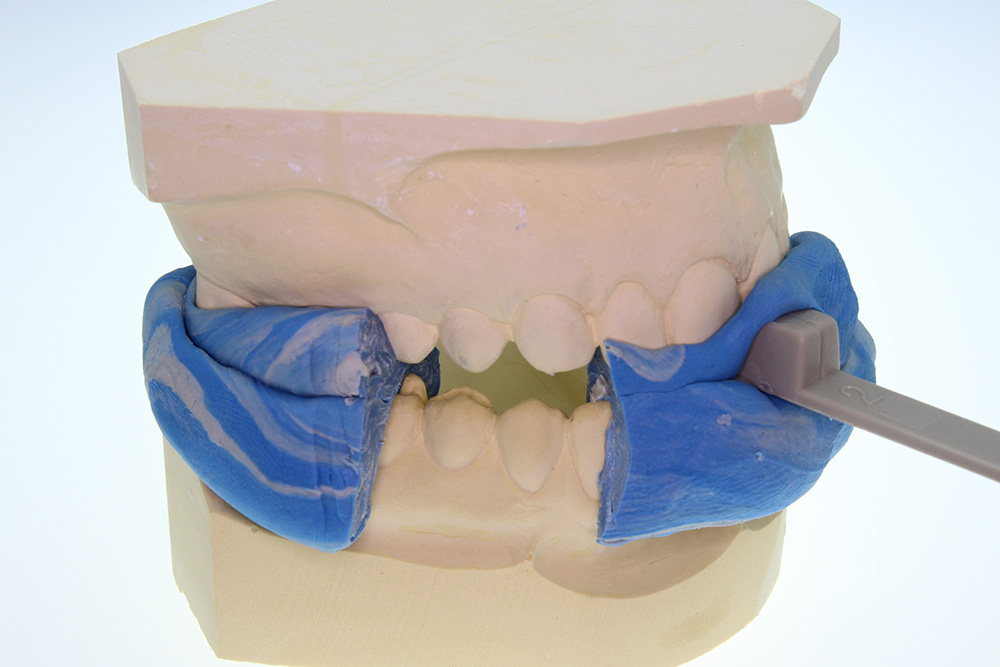
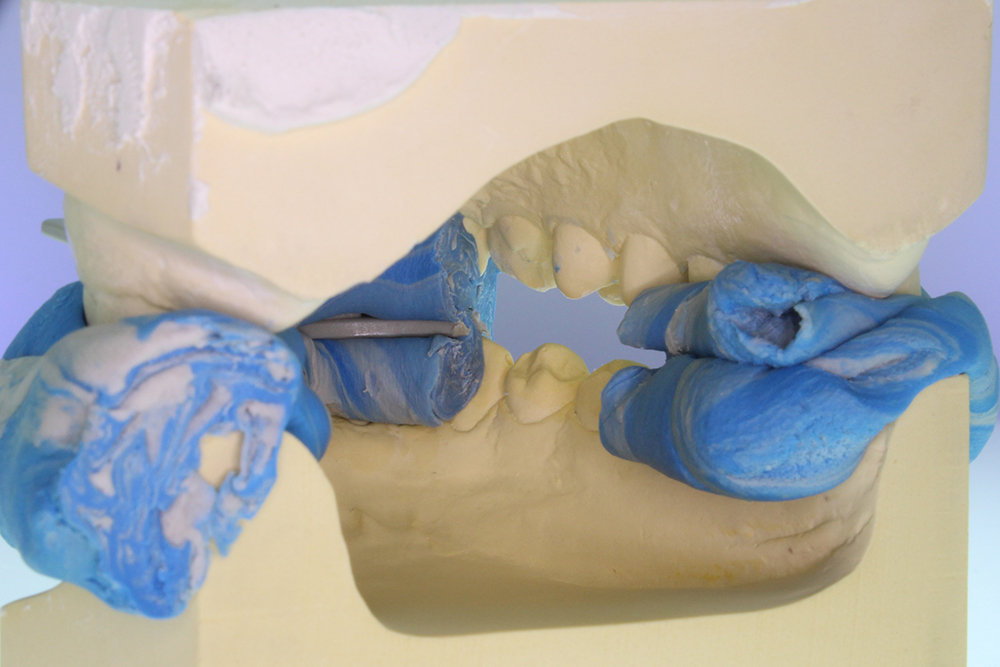
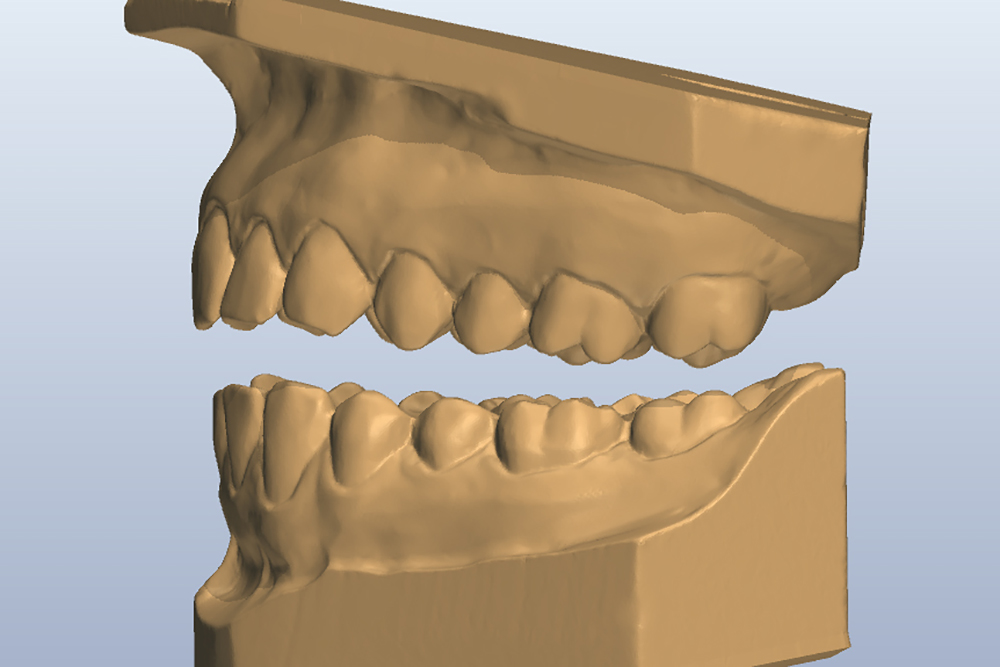
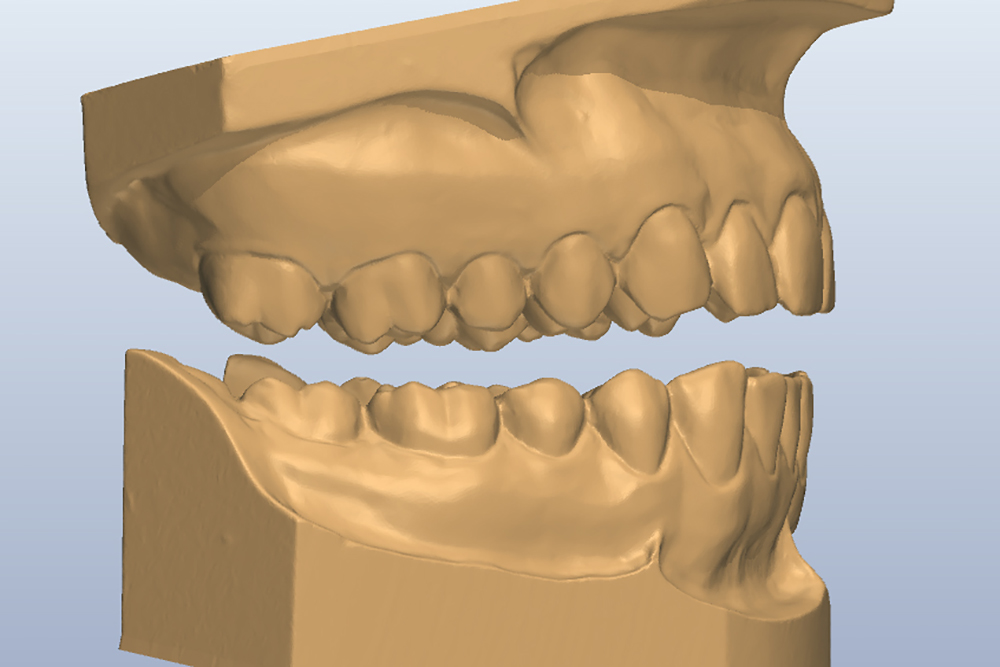
A fully scanned model with an open occlusion — set to your bite registration.
| |
| AND DON'T FORGET: Because your patient's bite is now stored digitally, it can be reproduced at any time —with 100% accuracy! |